Available on iPhone

Alarm You
Can't Skip.

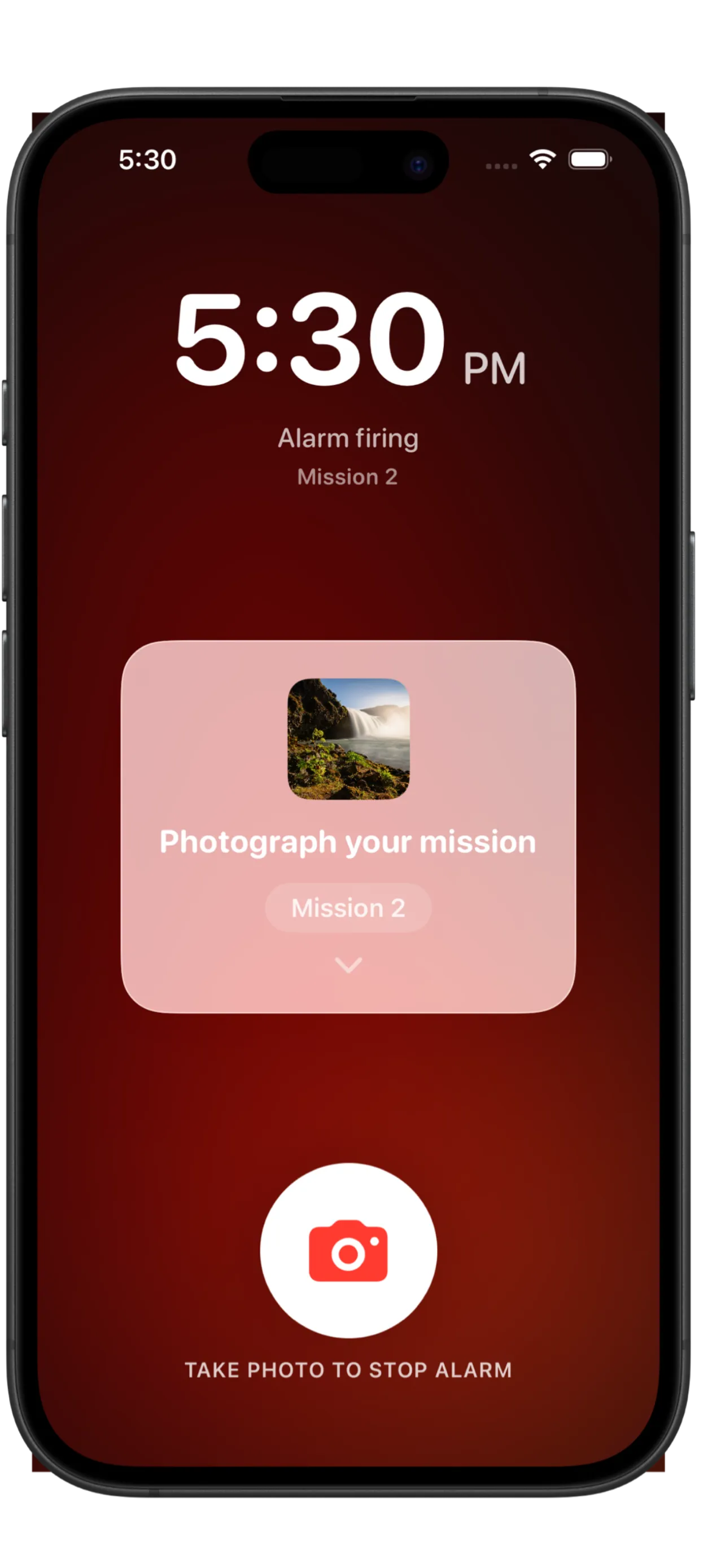
Wakey makes skipping your alarm impossible. Complete a photo mission to dismiss it. No photo, no off. You have to actually get up.

Photo Mission Anti-Cheat Wakey Pro Free to Start
PhotoMission Required
ZeroFake Outs
iOS 26Optimized
FreeTo Download

Three steps.
No excuses.

Wakey closes every escape route. The only way out is through the mission.

01

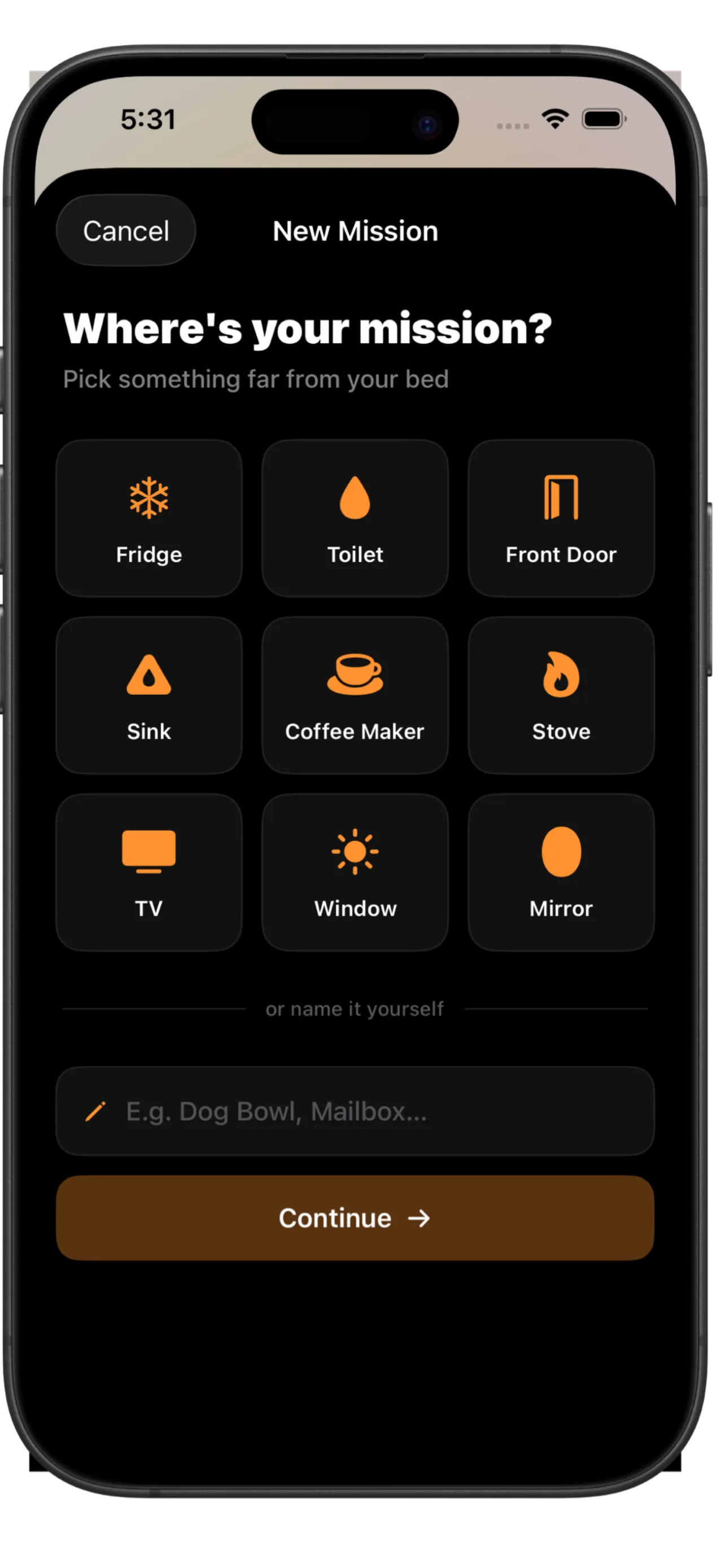
Register a mission object

Choose any object in your home: your coffee maker, bathroom mirror, front door, or fridge. Wakey stores it as your mission target.

02

Alarm fires at your set time

Your alarm goes off loud, even on silent. You cannot dismiss it, swipe it away, or turn off your phone to escape. The mission screen takes over.

03

Take the photo to dismiss

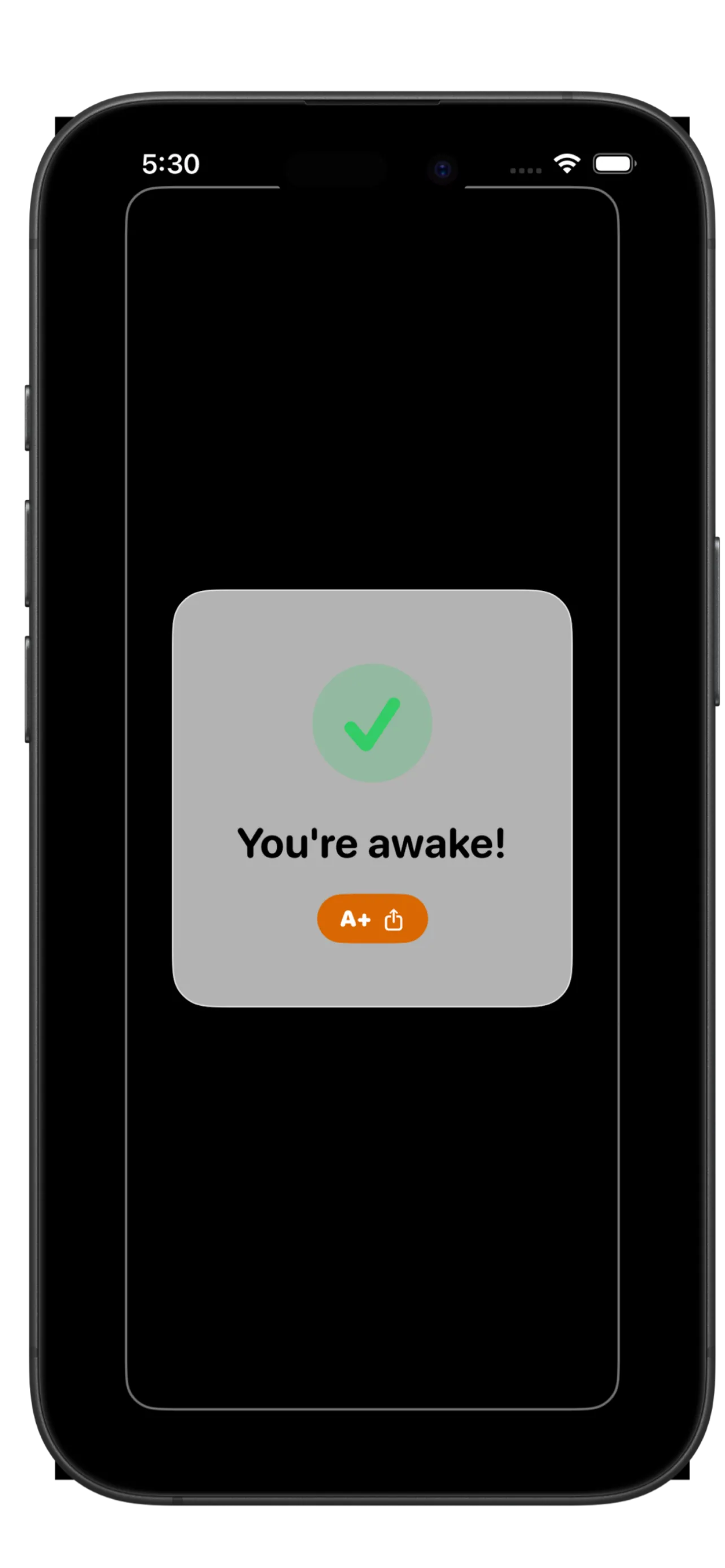
Walk to your mission object and photograph it. Wakey verifies the match on-device using Apple Vision. Match confirmed. Alarm dismissed. You're awake.

Every tool to actually
wake you up.

Wakey combines photo verification with smart alarm features to make sure you are truly awake.

Photo Mission

To dismiss your alarm you must take a photo of a specific real-world object, such as your coffee maker, bathroom sink, or any item you choose. No matching photo, no dismissed alarm. It is the only way.

Anti-Cheat Protection

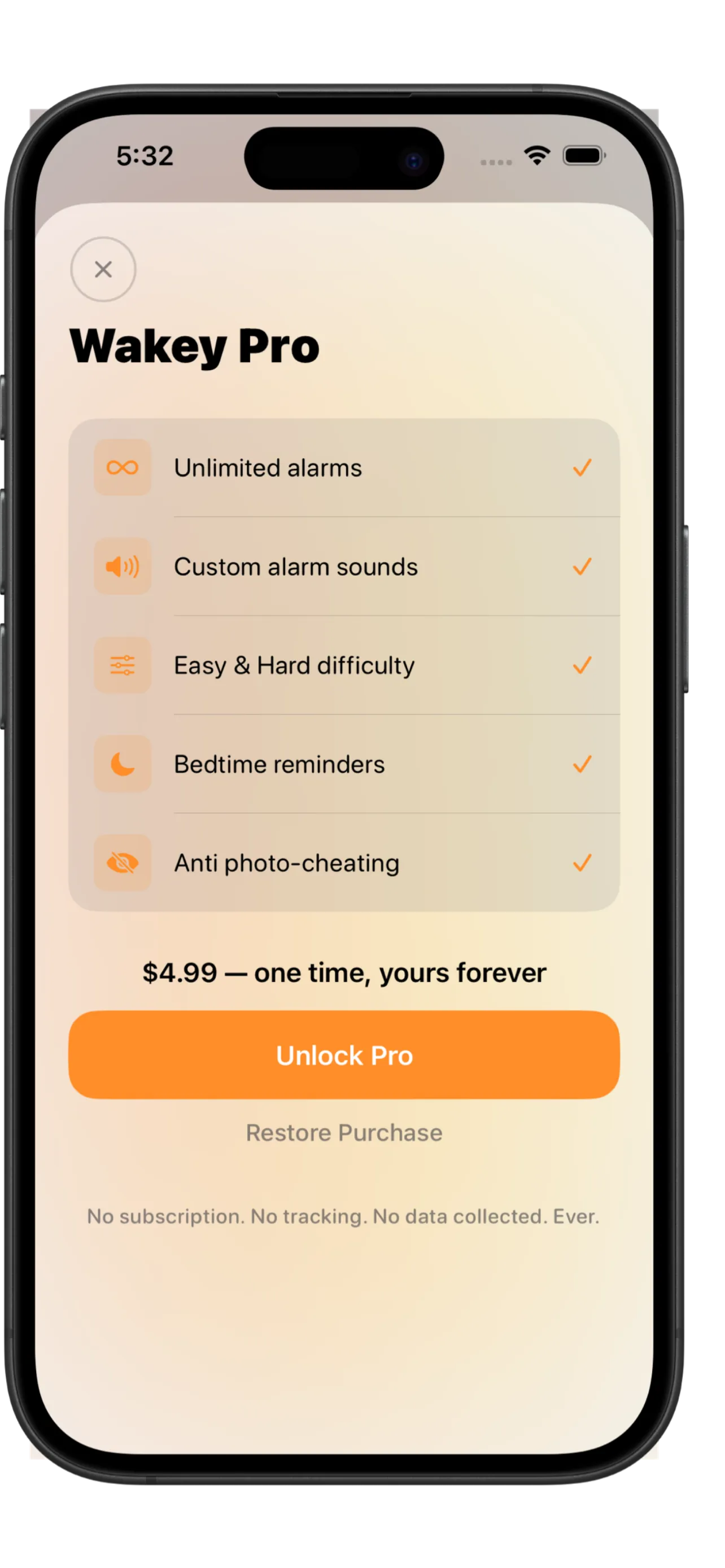
Pro feature that detects when you try to photograph a screen. It must be the real object, every time.

Mission Timeout

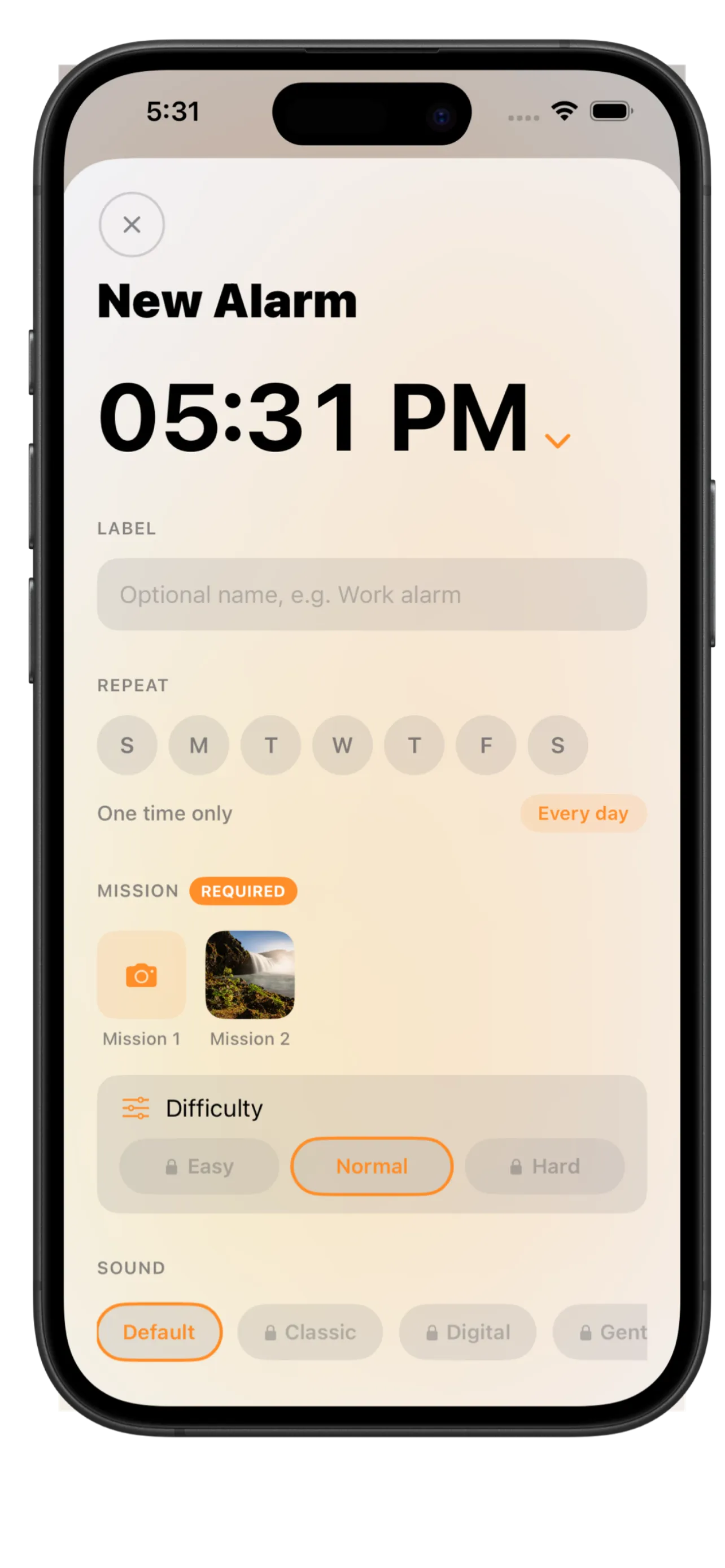
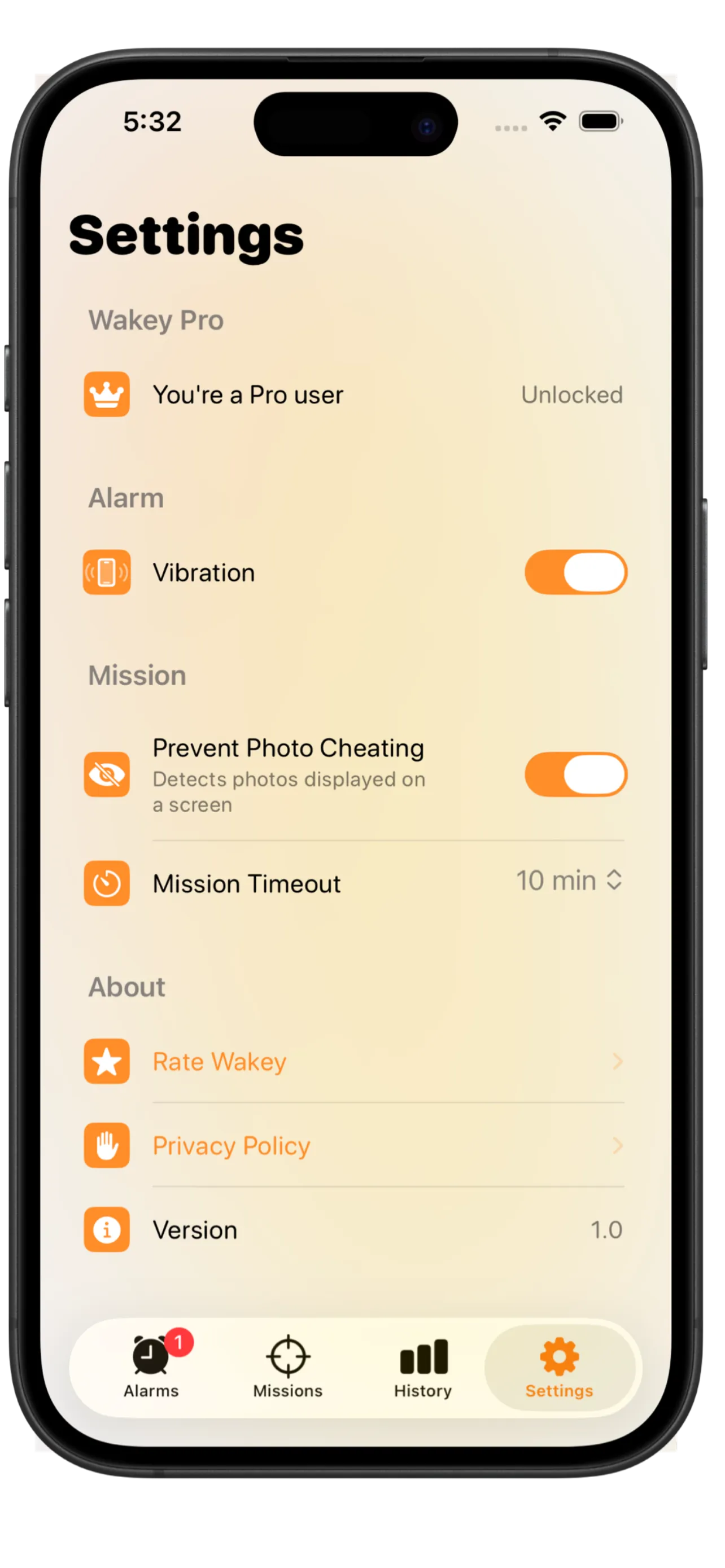
Set how long you have to complete the photo mission before the alarm escalates. Choose 5 minutes, 10 minutes, or never.

Vibration Support

Wakey vibrates even when your phone is on silent. Your alarm will always get through, loud or quiet.

Wakey Pro

Unlock advanced features including Anti-Cheat protection. One purchase, no subscription, yours forever.

Native iPhone App

Built with SwiftUI using Apple frameworks. Fast, smooth, and designed specifically for iOS.

Your data stays
on your phone.

Wakey never uploads your photos or personal data. Everything happens on your device.

Photos Stay Local

Your mission photos are never uploaded to any server. They exist only on your device.

No Account Required

No sign-up, no email, no profile. Download and start using it immediately.

No Tracking

No analytics SDKs, no crash reporters collecting your data. What happens on your phone stays there.

Native iOS

Built entirely with Apple frameworks. Reviewed and distributed through the App Store.

Read the full Privacy Policy

Common questions.

When your alarm goes off, Wakey shows you a photo mission. You must take a photo of a specific real-world object you have set in advance, such as your coffee machine or bathroom tap. Wakey checks the photo against your target. Only a matching photo will dismiss the alarm. You cannot skip it, swipe it away, or turn off your phone to escape.
Wakey Pro includes Anti-Cheat protection that detects when a photo is being displayed on a screen. If you try to photograph your monitor or another phone showing the target, it will not count. You must get up and photograph the real thing.
Yes. Wakey is free to download and use. Wakey Pro unlocks additional features including Anti-Cheat protection. Pro is a one-time purchase with no subscription and no recurring charges.
Wakey requires iOS 26 or later. It is built using the latest SwiftUI features to ensure the best performance and reliability on modern iPhones.
Yes. Wakey uses vibration in addition to sound, so you will feel the alarm even if your ringer is muted. Vibration can be enabled or disabled in the app settings.
The alarm continues ringing. You can set a Mission Timeout in Settings to choose how long you have before the alarm escalates. Options are 5 minutes, 10 minutes, or never. The only way to stop it is to complete the mission.
Wakey app icon

Ready to actually wake up?

Download Wakey free on the App Store. No subscription required.

Download on the App Store

Free to download · iOS 26+ required · Wakey Pro available